Delete Your Account
You can delete your Fairway Footprint account in the app or the golfer portal.
In the app
- Open the app
- Select the Profile button
- Select Settings
- Scroll down and select Delete Account
- Confirm the deletion
In the golfer portal
- Sign in to Account settings with your existing FF sign-in method
- Open Delete account and data
- Type DELETE, then select Delete account
Once confirmed, you will be signed out. Account and personal data are handled as described in our Privacy Policy.
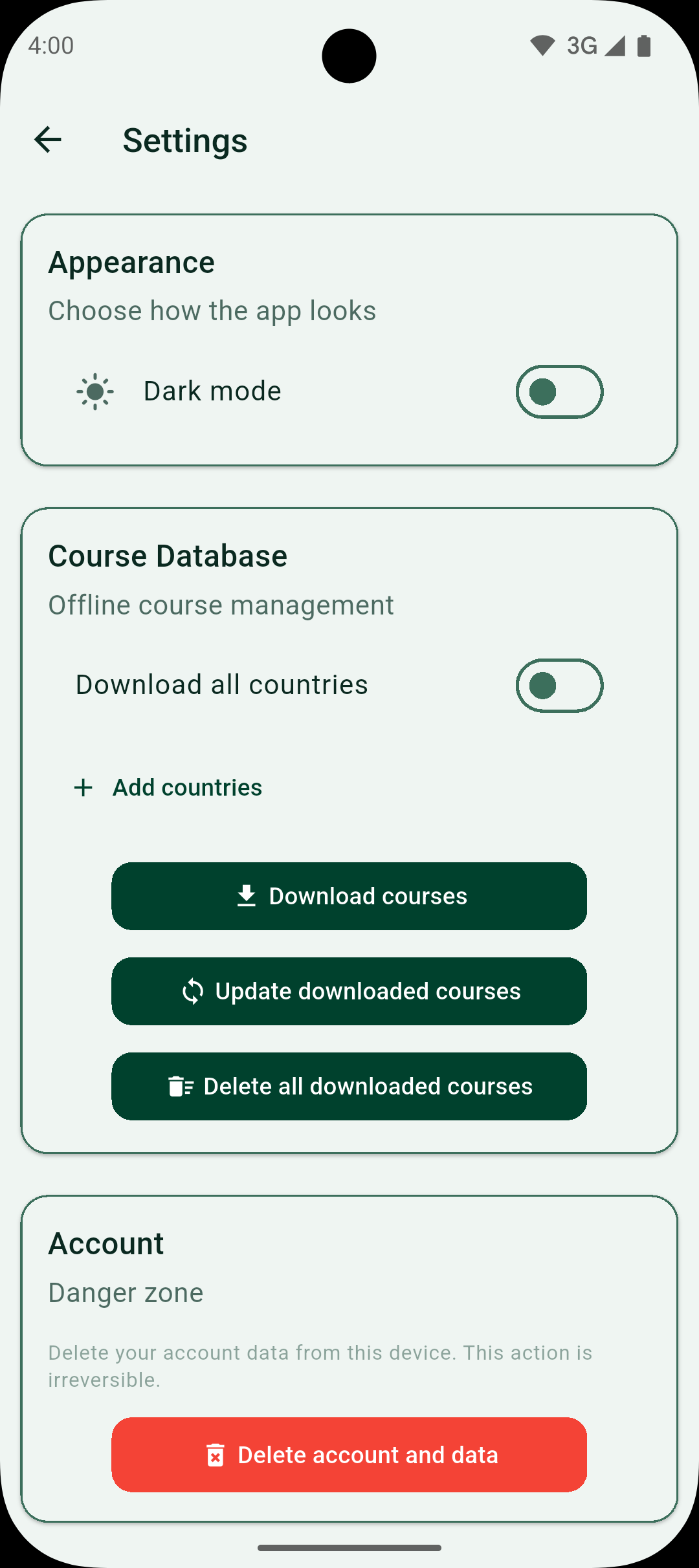
Screenshot of the app settings screen where the Delete Account option is located.